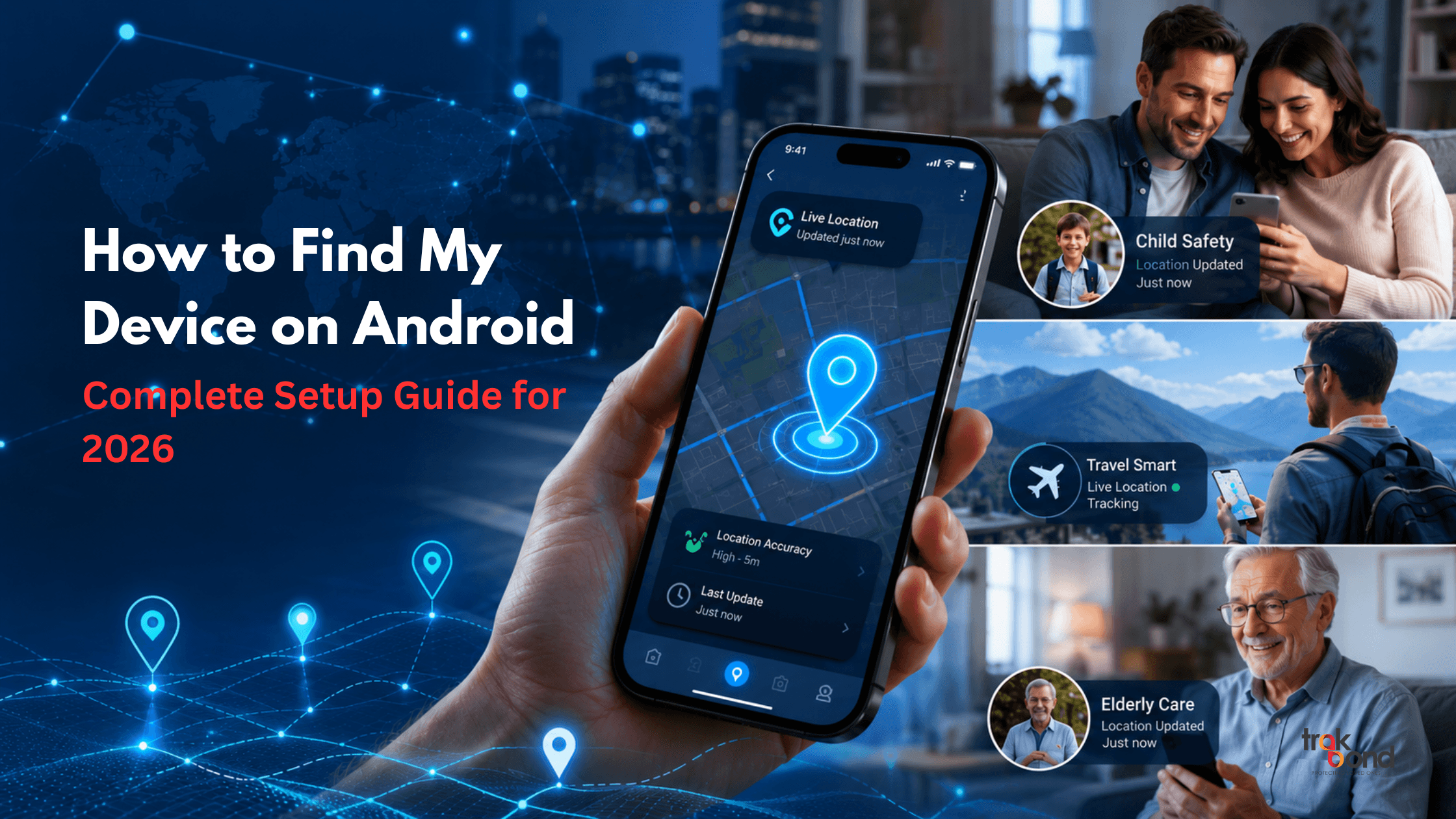
How to Find My Device on Android: Complete Setup Guide for 2026
Losing a smartphone can create unnecessary stress, especially when important contacts, personal files, banking apps, and daily communication tools are stored on a single device. Fortunately, Android users can use Find My Device technology to locate, secure, and manage their smartphones remotely. Understanding how find my device works and setting it up correctly can help users recover lost devices quickly.
In this guide, we explain how Android users can set up find my device Google, how the system works, and why additional device tracking solutions like Trakbond can improve security and peace of mind.
What is Find My Device?
Find My Device is a device-tracking feature available on Android devices that helps users:
- Locate a lost Android phone
- Ring the device remotely
- Lock the smartphone
- Erase data if necessary
- View the device location on maps
The system works through Google services and requires proper settings to be enabled before a device goes missing.
Why Setting Up Find My Device is Important
Many users assume tracking automatically works on every Android phone. However, without proper setup, tracking features may not function when needed.
A properly configured find my device Google setup provides:
- Faster device recovery
- Better protection of personal information
- Remote access during emergencies
- Reduced risk of data theft
- Greater peace of mind for families
With smartphone theft and loss continuing to increase, enabling tracking features has become essential rather than optional.
Step-by-Step Guide to Set Up Find My Device on Android
Step 1: Open Device Settings
Navigate to:
Settings → Security → Find My Device
Some Android versions may display slightly different menus depending on the manufacturer.
Step 2: Turn On Find My Device
Ensure the toggle for Find My Device is switched ON.
Without enabling this setting, remote tracking will not function.
Step 3: Enable Location Services
Tracking requires GPS access.
Go to:
Settings → Location
Turn location services ON.
Step 4: Sign Into Your Google Account
The feature works through Google account synchronization.
Verify:
- Google account is active
- Device sync is enabled
- Internet connectivity is available
Step 5: Enable Network Connectivity
Tracking requires:
- Mobile data OR
- Wi-Fi connection
Offline devices become harder to locate.
How Find My Device Google Works
When enabled, find my device Google connects your Android smartphone to Google’s tracking network.
If your device is lost:
Locate Device
View current or recent device location.
Play Sound
Force the device to ring even if silent mode is enabled.
Secure Device
Lock the phone remotely and display contact information.
Erase Device
Remove personal information if recovery seems impossible.
These features help users act quickly during emergencies.
Common Reasons Why Find My Device Stops Working
Sometimes users cannot locate devices despite enabling tracking.
Common causes include:
Disabled Location
GPS turned off prevents accurate tracking.
Device Offline
No internet connection limits location updates.
Google Account Removed
Tracking stops if account synchronization is disabled.
Battery Drained
Powered-off devices cannot transmit live location.
Permissions Disabled
Restricted permissions may block tracking services.
Regularly checking settings helps avoid these problems.
How Trakbond Improves Device Safety
While Android tracking provides basic security, users increasingly seek additional protection for family members, children, and personal devices.
Trakbond solutions help users through:
- Real-time device tracking
- Family safety monitoring
- Smart wearable integration
- Enhanced location visibility
- Improved emergency accessibility
Combining Android tracking with additional safety tools creates stronger device security.
Tips to Improve Device Recovery Success
To maximize recovery chances:
Keep Battery Charged
Low battery reduces tracking availability.
Enable Multiple Security Layers
Use:
- PIN protection
- Biometrics
- Device lock
Test Tracking Regularly
Verify location services every few weeks.
Keep Software Updated
Updates often improve security features.
Save Account Credentials Securely
You need account access to track devices.
Is Find My Device Enough for Families?
Parents increasingly want additional tracking features beyond smartphone recovery.
Families often need:
- Child location monitoring
- Wearable tracking
- Emergency alerts
- Safe zone notifications
This is where dedicated tracking ecosystems provide additional benefits.
Future of Android Device Tracking in 2026
Android tracking continues evolving with:
- Improved network-based tracking
- Better offline location support
- Enhanced security protections
- AI-assisted recovery features
- Smarter wearable integration
As mobile security evolves, combining built-in tools with advanced tracking solutions may become increasingly common.
Conclusion
Setting up find my device properly can significantly improve your chances of recovering lost smartphones and protecting personal data. The process is simple but often overlooked until devices go missing.
Understanding how find my device Google works, testing settings regularly, and using additional tracking solutions when necessary creates stronger protection for individuals and families.
Whether protecting personal devices or improving family safety, proactive setup today can prevent major problems tomorrow.
FAQs
1. What is Find My Device on Android?
Find My Device is an Android feature that allows users to locate, ring, lock, or erase lost smartphones remotely
2. Does Find My Device work when the phone is switched off?
No. Live tracking usually requires power and connectivity, although some newer technologies may show recent locations
3. Is Find My Device Google free?
Yes. Google provides Find My Device as a free feature for Android users.
4. Can I use Find My Device without internet?
Limited functionality is possible, but internet connectivity greatly improves tracking accuracy.
5. How accurate is Find My Device location tracking?
Accuracy depends on GPS availability, internet connectivity, and device settings.
6. Can parents use Find My Device for child safety?
Basic tracking is possible, but many parents prefer dedicated tracking solutions for additional monitoring features.
7. Why can’t I find my Android device?
Common reasons include disabled location services, offline devices, removed accounts, or insufficient permissions.